Honestly, playing Palworld solo is great, but nothing beats the thrill of forming a posse with your friends and going on a Pal-catching rampage together! 🐔💥 Whether you want to team up for boss battles, build a massive base, or just laugh as your chicken destroys everything, multiplayer is where the heart is. I’ve been playing since launch and with all the updates in 2026, it’s smoother than ever to squad up. So, grab your rifles and your cutest Pals – here’s my guide to getting you and your friends into the same world ASAP.
Setting Up Multiplayer (It’s Super Easy) 💻
The process might seem daunting at first, but trust me, it’s just a few clicks. One player becomes the host by creating a world and toggling multiplayer on right from the start (or later in World Settings if you forgot). Once you’re in, hit pause and you’ll see an Invite Code – that’s your golden ticket.
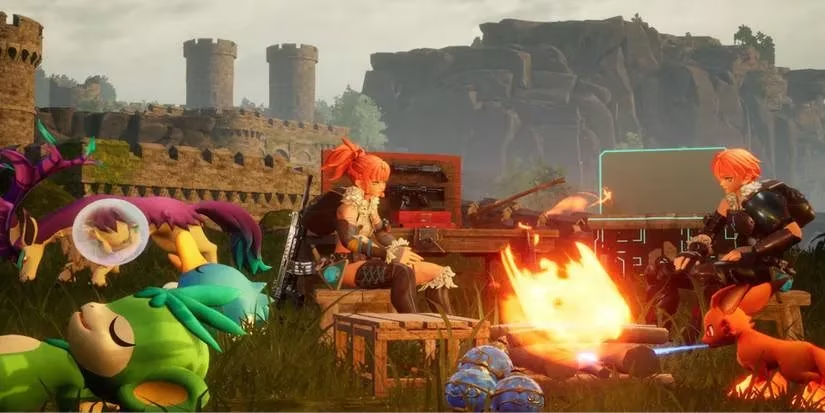
Share this code with your squad – they can hop in from the main menu by selecting “Join Multiplayer Game (Invite Code)”, entering that code, and boom, you’re all together.
How to Join Your Friends’ World
If you’re the guest, the steps are even simpler:
-
Boot up Palworld and on the main screen, choose “Join Multiplayer Game”
-
Enter the Invite Code your host friend gave you
-
Wait a few seconds – the game connects you directly to their world
⚠️ Keep in mind: your character is tied to that specific world. If you switch to another friend’s world or start a new one, you’ll have to create a fresh character. That’s why I recommend sticking with one dedicated group so you can build up your tech and base together. Also, the host must stay online for the world to remain active – if they log off, everyone gets booted. So maybe rotate who hosts based on who has the most reliable internet!
Guilds: Teamwork Makes the Dream Work 🛡️
Once you’re all in, forming a Guild is an absolute game-changer. Walk up to your friend and hold the prompt to “Join Guild” – it literally creates the guild instantly. You get to name it (I’ve seen everything from “Pal Patrol” to “Crimson Chickens” 🐔) and assign a Guild Master.
Here’s what you unlock:
✨ Shared Camp & Equipment – Access each other’s storage, crafting stations, and even that fancy furnace you just built. No more running back and forth between bases.
✨ Palbox Trading – Swap Pals effortlessly. Got a duplicate Anubis? Trade it to your friend for that Blazehowl Noct you’ve been eyeing.
✨ Always See Each Other – Your friends appear on the map 24/7, so you can coordinate attacks or rescue someone stuck in a death loop by a wandering Alpha Pal (we’ve all been there).
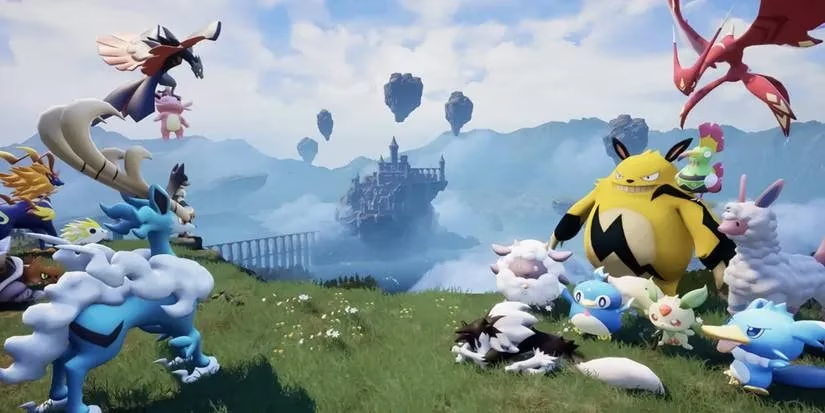
A Guild maxes out at 20 players, which is plenty for most groups. If you’re on a larger server (32 players total), you can still run around as separate guilds, adding a layer of friendly competition.
Dedicated Servers & Crossplay Update 🚀
Now, this is the part that finally got sorted in 2026, and I’m so relieved. Back in the early days, dedicated servers were Steam-only and cross-platform play was just a dream. But now? Full crossplay between Steam and Xbox/PC Game Pass is live! And yes, dedicated servers run on all platforms too. So whether your buddy is on a monster gaming rig or a humble Xbox, you’re all in the same chaotic world.
Dedicated servers are perfect if you want a persistent world that doesn’t vanish when the host takes a nap. You can even tweak custom settings for things like egg incubation speed, damage, and Pal spawn rates. If you’re the tech-savvy one, you can rent a server or set up your own – it’s worth it for those marathon weekend sessions.
A Few Common Issues & Fixes 🔧
Even with the 2026 updates, sometimes multiplayer hiccups happen. Here’s what I’ve faced and how I fixed it:
-
Connection error when joining (especially on Xbox): This was a notorious bug on the Game Pass version. Usually, force-quitting and retrying the invite code 2-3 times cleared it. If it still sticks, have the host restart their world. Nowadays it’s rare, but old habits die hard.
-
Crossplay not working: Double-check that everyone’s game is updated to the latest version. Crossplay requires all players to be on the same patch. It’s automatic most of the time, but sometimes you need to nudge the update manually.
-
Friend can’t find my world: Make sure your world is set to multiplayer not “invite only” (yeah, I’ve made that mistake). Also, confirm the invite code is exactly right – one wrong digit and you’re stranded.
Final Tips for Maximum Fun 🎮
Now that you’re all connected, go wild! Use the Palbox to swap those rare shinies, hop on your flying mounts and race each other across the map, or build a ridiculous base with traps and turrets to fend off raids. One of my favorite memories was when my guild enlisted our maxed-out chicken just to see if it could solo a tower boss – spoiler: it couldn’t, but the laughter was worth it.

Don’t forget to check out the guild tab often; you can see each other’s online status and even send quick invites. With the constant updates and expansions (hello, new biomes!), there’s never been a better time to jump into Palworld’s multiplayer. Grab your friends, pick a silly guild name, and let the Pal-tastic mayhem begin! 🔫🐾
Loading comments...